Blinky
An AI design reviewer that looks at a user interface and helps identify usability and design issues, without a manual design audit.
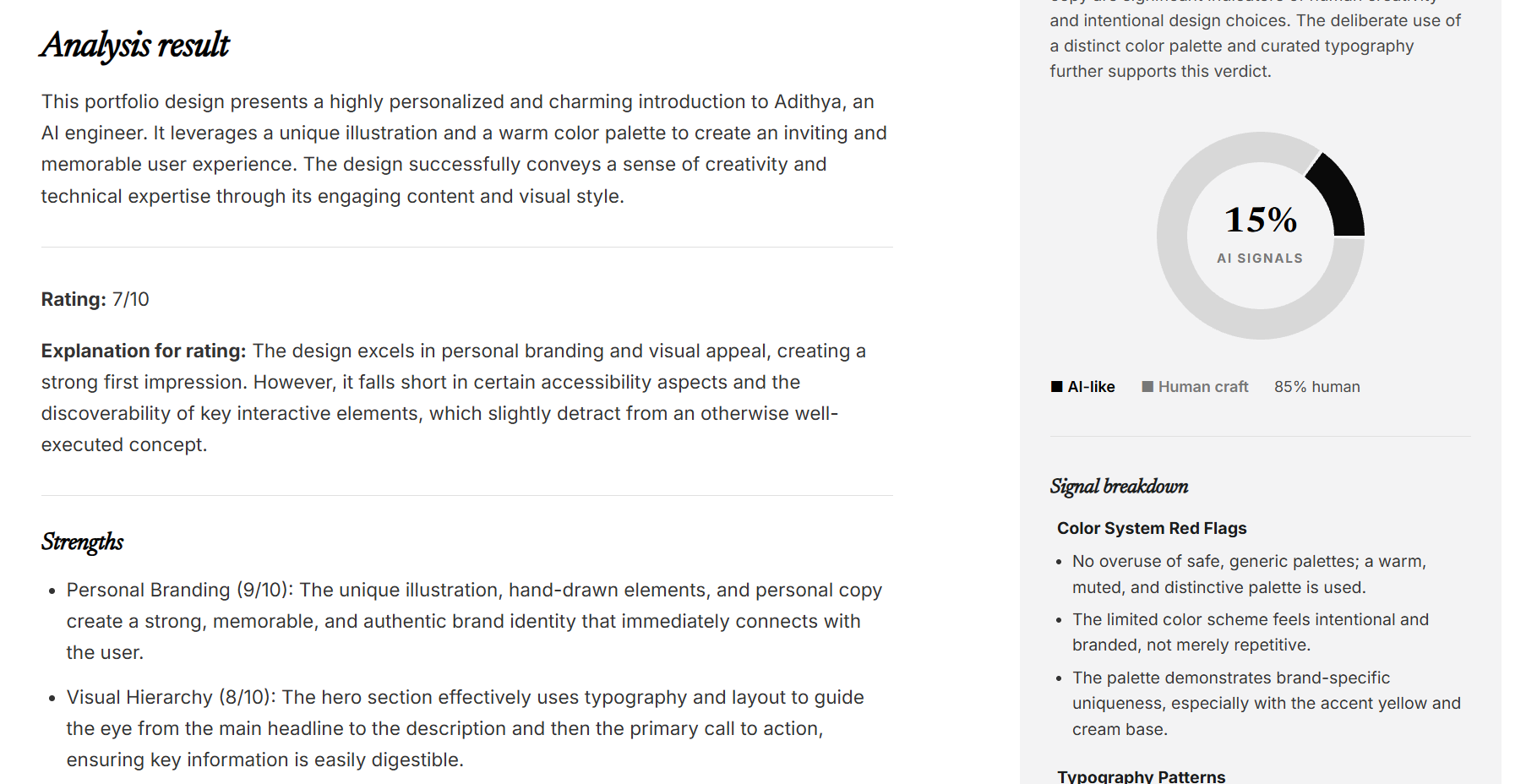
A UX reviewer, on demand.
Blinky takes a UI screenshot and uses AI to analyze what is happening on the screen. Instead of just describing the interface, it surfaces potential design problems and gives actionable feedback that developers can use to improve their products. The idea is to make useful UI feedback accessible to people building interfaces, even when they don’t have a dedicated UX reviewer.
From screenshot to feedback.
drop in a UI screenshot
upload + results view
handles the analysis request
reads the interface
issues + suggested fixes
What it does.
Screenshot-based analysis
Accepts interface screenshots as input for visual review.
Vision-powered understanding
Uses Google Gemini to interpret interface elements and their visual relationships.
AI-generated feedback
Identifies potential UI/UX problems and suggests improvements based on the analyzed screen.
Interactive web interface
A React frontend lets users submit interfaces and explore the analysis.
Flask backend
Handles analysis requests and communication with the Gemini API.
Developer-focused workflow
Turns a visual interface into actionable feedback without a full manual review.